

Choosing The Best Email Finder Tool: Accuracy, Compliance & Risks
An email finder tool is a simple and straightforward way to acquire and often verify email addresses for your mailing lists. It’s an important tool to start your email campaigns on the right foot.

What is an Email Finder Tool?
Email finder tools specialize in acquiring emails from public sources, and if they have the feature included, verifying that they’re legitimately used by their owners. While the exact mechanism of how they do this will vary depending on the specific tool, email finder tools generally use the following approaches:
- Domain Pattern Matching: guesses valid emails by their most likely domain email pattern (usually firstname.lastname@company.com)
- Public Data Scraping: getting email addresses based on public data like LinkedIn profiles, company pages, or public directories
- AI-Assisted Enrichment: Using AI capabilities to better predict what could be a valid email address based on pattern inference, identity matching, and cross-referencing between different domains and people
- Confidence Scoring: Once an email has been acquired by the tool, it assigns it a confidence score (or how likely the email is to be legitimate) to help you better prioritize outreach
Note that finding an email is distinctly different from email verification. Email finders are more like guessing a phone number based on company numbering rules, while verification checks whether that phone number is active. Both are equally important features.
Are Email Finder Tools Legit?
Yes, email finder tools are legitimate and safe to use. The information they get can either be already publicly available or inferred. Where you’ll need to be careful is what you do after the email addresses are acquired.
Follow these guidelines when using email finder tools:
- Legal vs. Unethical Scraping: Typically, email finder tools only get data that is publicly listed on a website. That means these tools must also follow any website’s terms of service (not bypassing login walls, CAPTCHAs, or security controls), in addition to considering any technical protections sites may have.
- B2B vs. Personal Emails: B2B emails (like firstname.lastname@company.com) should be the typical targets for an email finder tool. Personal emails can be covered by more strict data protection and privacy rules and are often not included under “legitimate interest” regarding data in many jurisdictions.
- Compliance Frameworks: Email finding and outreach are governed by laws such as the General Data Protection Regulation (EU), the CAN-SPAM Act (US), and the California Consumer Privacy Act (US). Finding an email is not automatically illegal, but it’s still important that you follow these regulations to prevent liability.
- Responsible Usage: Ethically speaking, the standard is: “Would this message reasonably align with this person’s professional role?” If your email finder tool (and your subsequent outreach) is helpful and applicable in a professional or corporate context, you won’t have to worry about pushback from your mailing list or any regulators.
Why Email Finder Tools Often Return Inaccurate Emails
Despite advancements in how they work, email finder tools can still be inaccurate for acquiring emails. One of the most important reasons for this is that, as finders, these tools often do not perform full Simple Mail Transfer Protocol (SMTP) validation. SMTP validation is a server-level check that verifies whether an email address can receive mail without sending a real message, which drastically helps with deliverability.
Even without considering the lack of SMTP validation, email finder tools are still susceptible to the following factors:
- Pattern-Guessing Errors: Most finder tools do not actually retrieve confirmed inbox data. Instead, they detect a company’s common email format and “guess” an email address. If the company uses multiple formats or recently changed naming conventions, then the guessed email will be wrong.
- Employee Turnover: People change jobs frequently, with their company emails either being deactivated or deleted when they leave. However, finder tools rely on cached databases, public web mentions, or historical data to find emails, which can lead them to include technically valid (but inactive) emails.
- Catch-All Domains: Some companies configure their domain as a catch-all, which means their mail server accepts any email sent to that domain—even for non-existent addresses. These appear “valid” even during email verification checks, which creates false positives for your list.
- Role Addresses Instead of Personal Emails: Finder tools will sometimes return “role-based” addresses (like info@company.com or sales@company.com), which reduces deliverability and personalization effectiveness. While technically valid, these are not personal inboxes.
- Invalid or Misconfigured MX Records: MX (Mail Exchange) records tell servers where to deliver email. If the domain’s MX records are outdated or the DNS is misconfigured, a finder may mark a domain as deliverable when it’s not.
This doesn’t mean that email finder tools aren’t worth using. They can work with rapidly scaling your email list, but they should never be a substitute for verified, real-time mailbox validation.
Best Email Finder Tools Compared
Hunter
Hunter.io is a popular B2B lead generation tool used to find and verify professional email addresses. It works by indexing public web pages to find email addresses and using proprietary algorithms to predict and verify them.

- Free Plan: around 25 email searches with around 50 email verifications per month.
- Limitations of Free Tier: Very limited credits with no bulk operations and a cap on campaigns.
- Credit Restrictions: Separate counts for “finds” and “verifications”, with verification costing extra credits.
- API Access: Available but often limited on free/basic plans. Users report better integrations with paid tiers.
- Best for: Quick, individual email lookups and domain-based discovery.
ZeroBounce
ZeroBounce Email Finder is a real-time lead generation tool that combines domain pattern detection with immediate email validation. Unlike most email finder tools, ZeroBounce attempts to verify every potential address to guarantee its validity before including it in your email list.
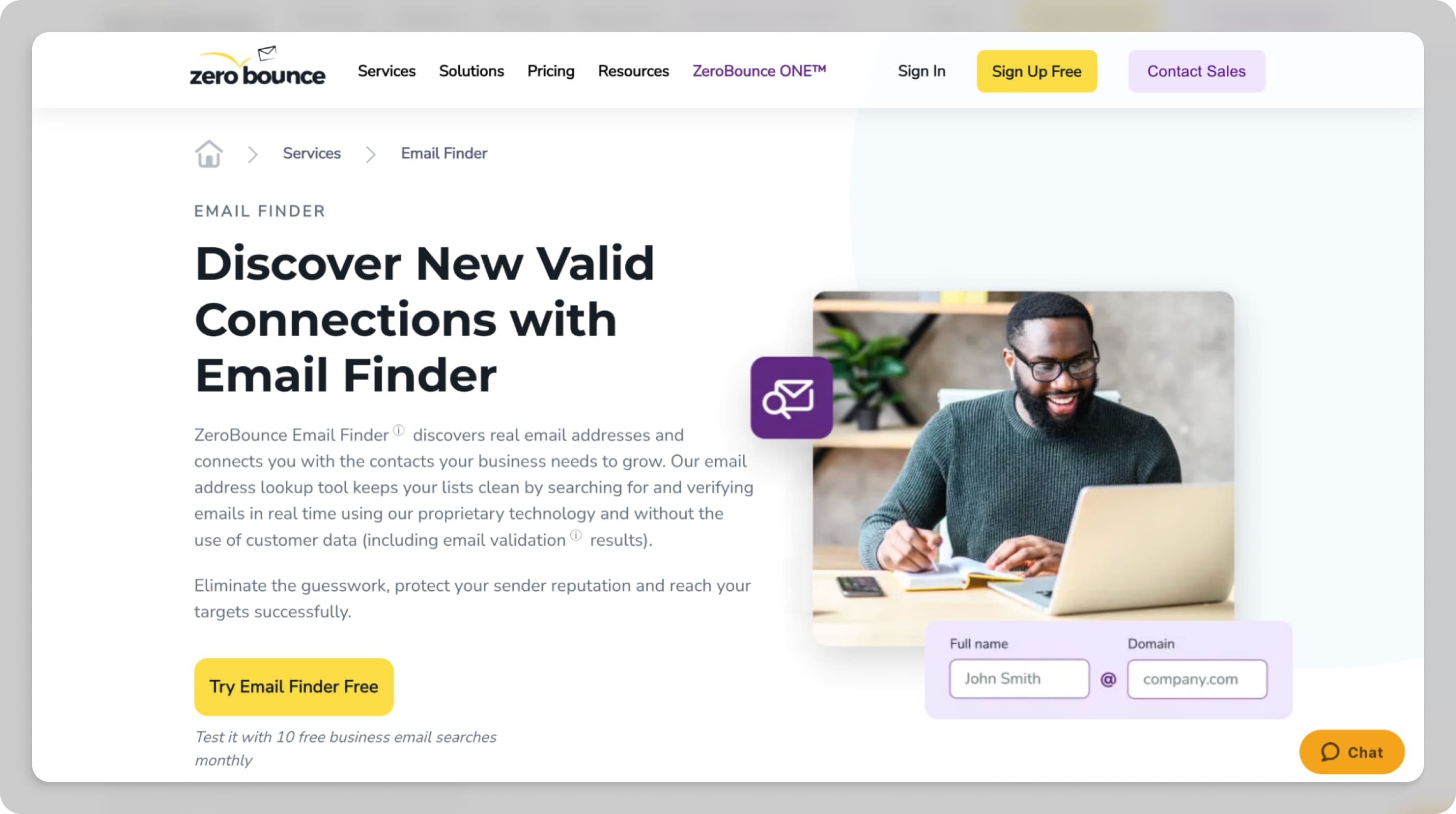
- Free Plan: around 100 free validation credits with around 10 email finder queries per month.
- Limitations of Free Tier: Limited finder queries mostly suited to validation over discovery.
- Credit Restrictions: One credit per validation. Finder queries cost additional credits, usually around 20 credits per found email.
- API Access: Yes, with real-time validation and email finder APIs with rate limits. Larger quotas require paid plans.
- Best for: Teams prioritizing verification and deliverability quality.
📌 Read more: ZeroBounce Review.
Snov.io
Snov.io is a comprehensive B2B sales automation platform that combines email finding and verification with a built-in CRM and cold outreach tools. It’s primarily designed for sales teams and recruiters who need to manage the entire prospecting and outreach workflow within a single application.

- Free Plan: around 50 credits per month; can be renewable in some cases.
- Limitations of Free Tier: Low credits which may count verification & search against the same pool.
- Credit Restrictions: One credit per action (to either find or verify) with unused credits not rolling over at low tiers.
- API Access: Available but limited, as higher plans unlock more features.
- Best for: Startups and small teams needing simple finding and verification features in one tool.
Apollo.io
Apollo's Email Finder is a core feature of the Apollo.io sales intelligence platform, designed to help B2B sales and marketing teams find, verify, and engage with professional contacts. It draws from a massive database of over 265 million contacts across 60+ million companies worldwide.

- Free Plan: Limited monthly credits for email finds and exports.
- Limitations of Free Tier: Very restrictive credit counts, which aren’t often enough for longer lists.
- Credit Restrictions: Credits are tied to users and actions, with higher plans dramatically increasing quotas.
- API Access: Available, but typically better supported on paid/enterprise tiers.
- Best for: Integrated sales workflows with CRM support, usually for enterprise-level companies.
Best Free Email Finder Tool Options
While ZeroBounce offers the most validation credits for free, it’s typically other tools like Apollo that can give more free email finder credits. However, note that quality and quantities vary depending on your needs.
Free tiers of any email finder tool all share this same issue: generally low monthly credits with limited or restricted API access that incentivize you to choose paid plans. They’re not always needed, especially if your email outreach is only for a small number of recipients.
The specific use cases of these credits can also be an issue. Credits typically count per email find and verification, which means free tiers are very low and quickly exhausted. These limitations can apply to API; for example, ZeroBounce charges their API per minute or hour.
What is the Most Accurate AI Email Finder Tool?
AI features have become heavily integrated with many marketing tools, including email finder tools. However, it’s important to note that while AI improves pattern detection, it cannot confirm if an email exists.
Improved pattern inference alone doesn’t prove that an email account is active or receiving mail. True deliverability checks like SMTP handshake-level validation is still the gold standard to confirm that the mailbox exists and accepts mail.
Email Finder vs. Email Verifier: Why Both Matter
| Criteria | Email Finder Tool | Email Verifier Tool |
|---|---|---|
| Primary Purpose | Discovers potential email addresses | Confirms whether an email address is valid and safe to send to |
| How It Works | Pattern matching, domain guessing, public data scraping, AI enrichment | DNS lookup, MX record check, SMTP handshake, mailbox-level validation |
| Guarantees Mailbox Exists | ❌ No | ✅ Yes (to the extent technically possible without sending email) |
| Detects Catch-All Domains | ❌ Usually no | ✅ Yes |
| Identifies Disposable Emails | Rarely | ✅ Yes |
| Detects Role-Based Emails (info@, support@) | Sometimes | ✅ Yes |
| Checks for Invalid Domains | Basic domain check | Full DNS + MX validation |
| Bounce Risk Reduction | ❌ No | ✅ Yes |
| Protects Sender Reputation | ❌ No | ✅ Yes |
| Use Case | Lead generation and prospect discovery | List cleaning and deliverability protection |
| Best Used In Workflow | Step 1: Find | Step 2: Verify before sending |
| Risk If Used Alone | High bounce rate, damaged domain reputation | Cannot generate new leads |
Email finder tools give their best guesses on what a valid email is to add to your list, while email verification tools ensure that these inboxes are actually worth the outreach. Email verification tools also help you avoid one of the biggest pitfalls with email outreach campaigns: a bounce rate that leads to worse domain reputation.
With tools like VerifiedEmail, you can identify and remove any invalid, risky, or disposable email addresses added by an email finder tool. This is because the platform ensures that it performs multi-layered checks—including syntax, domain health (DNS/MX records)—and real-time mailbox status via SMTP authentication.
How to Safely Approach Finding Someone’s Email
If you’re still concerned about getting into trouble with regulations about finding emails, follow these tips you to reduce your legal risks:
- Check the company website first: Many companies publicly list direct emails or at least reveal the company’s email format.
- Use domain pattern logic: If you find one confirmed email (usually firstname.lastname@company.com), you reasonably apply this pattern to all other emails in the domain you want to reach.
- Use a reputable email finder tool: These tools can help identify likely email addresses in bulk, but they generate predictions, not guaranteed email addresses.
- Verify before sending: Always run the address through an email verification tool before outreach. Skipping this step increases bounce risk and harms your overall deliverability.
- Avoid mass scraping: Do not scrape large volumes of emails from directories, forums, or purchased lists. Mass scraping usually violates the terms of service and damages your sender reputation.
- Avoid role-based addresses when possible: Always include email addresses that have names (not job descriptions or roles) in your email list. This makes it more likely for your email to reach an actual person.
- Keep outreach relevant and respectful: Even if you find a valid email, always make it a point to personalize your message. Remember to include an opt-out and be clear and concise about your messaging.
Finding Emails is Only the First Step
Email finder tools can be extremely helpful in building your email list and getting started on your outreach campaign, but remember that the ideal workflow doesn’t stop at finding an email. Always verify any emails added to your list and send them after everything else checks out.
With tools like VerifiedEmail, you can easily manage list hygiene regardless of the size of your email list, which is crucial in making sure that your domain reputation stays healthy. Long-term, it can even identify emails that underperform, with GDPR compliance to ensure that you never have to worry about data regulations.
Verify 200 emails for free. For lists over one-million emails, we will beat the price of any competitor, guaranteed.